What should your marketing team be able to do independently?
A suitable CMS gives you control over recurring tasks. Which tasks those are varies by team. That's why you should define exactly what you want to do without a developer's help beforehand. For example:
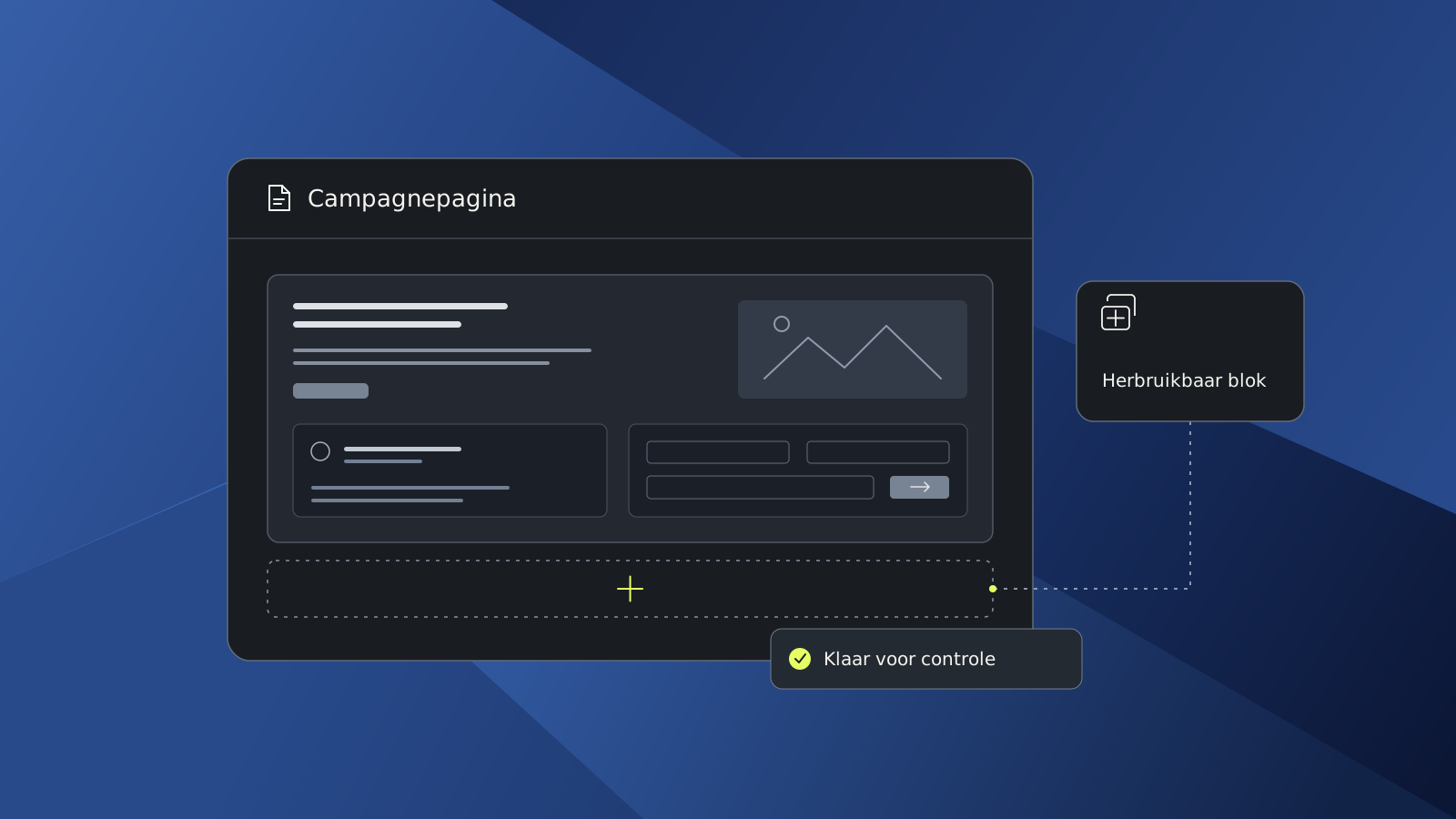
- Building campaign pages: assembling pages yourself using existing components within your brand identity.
- Publishing content: updating articles, customer cases, and services and displaying them in the right places.
- Managing SEO: adjusting page titles, meta descriptions, and URLs.
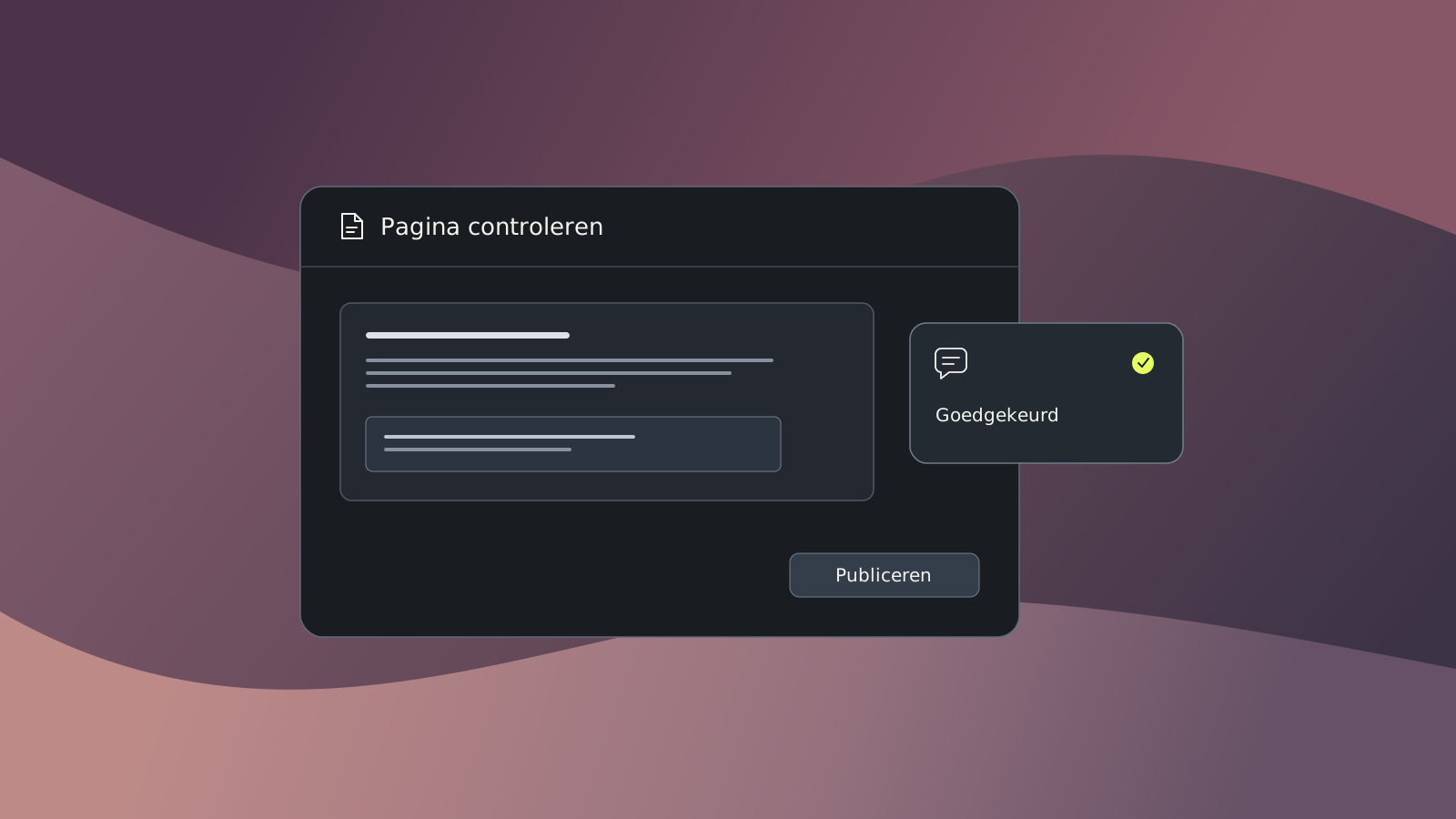
- Collaboration: preparing changes, having them reviewed, and publishing with appropriate access rights.
- Processing leads: using forms that pass the right data to your CRM or marketing platform.
Also discuss where support should remain necessary. Developing a new integration is different from assembling a landing page. By defining that boundary in advance, you prevent "independent management" from meaning something different to you than it does to the developer.
When is WordPress a fit, and when should you look further?
WordPress fits marketing teams that publish regularly, want to build campaign pages themselves, and need integrations with other systems. The setup determines how much you can do independently.
With our smart websites, we set up content management with Brabo Composer around your daily work. You assemble pages yourself using components within your brand identity.
Does your organization have specific requirements for technology, approval, or multi-channel publishing? Then compare how different solutions support those. Also consider the costs and responsibilities for maintenance, security, and further development.
How do you test a CMS in practice?
The best practical test is a task your marketing team will actually have to perform later. For example, ask if you can set up a landing page in a demo environment. Complete with an offer, customer example, and a request form. Adjust the SEO title, check the mobile view, and set the page ready for approval.
Then evaluate what happens:
| Checkpoint | What to look for? |
|---|---|
| Working independently | Which steps work without explanation or technical help? |
| Brand consistency | Do typography, colors, and spacing remain correct when making changes? |
| Collaboration | Can a colleague check the page before it goes live? |
| Lead processing | Does the test request end up complete in the agreed-upon place? |
| Adjusting | Can you easily change or move components after feedback? |
| AI | Is there a role for AI in this process to save time and increase quality? |
This is how you test in practice whether the solution fits the organization.
Doubting between two systems?
Do you have clear requirements and two systems left on your shortlist? Then use a targeted comparison to explore the differences further:
WordPress vs Webflow
Webflow offers strong visual design tools, but less flexibility and extensibility. Discover when Webflow is suitable and when WordPress is stronger in scalability and freedom. Read the comparison
WordPress vs Craft CMS
Craft CMS is known for its clean content structure, but requires more technical knowledge. Compare the flexibility, costs, management experience, and future-proofing of both systems. Read the comparison
WordPress vs Umbraco
Umbraco offers a solid .NET architecture and strong developer control, but less accessibility for marketing teams. Compare ease of use, flexibility, cost structure and extensibility - and find out when WordPress is the better choice for growing organizations. Read the comparison
WordPress vs Wix
Wix is user-friendly for small sites, but lacks the power and freedom that growing organizations need. Learn when a Wix site is enough and when WordPress delivers more. Read the comparison
WordPress vs Sitecore
Sitecore is strong in governance and personalization, but requires more specialist knowledge and investment. Compare management, flexibility, and costs and discover which CMS fits your organization. Read the comparison
WordPress vs TYPO3
TYPO3 is strong in multi-language support, detailed permissions, and a fixed content structure, but requires more specialist knowledge. Compare management, flexibility, and costs and discover which CMS fits your organization. Read the comparison
WordPress vs Drupal
Drupal is powerful for complex environments and strict governance, but requires more technical knowledge. Compare management, flexibility, costs, and scalability. Discover when WordPress is a better fit for marketing-driven organizations. Read the comparison
Want to experience how your marketing team can work with WordPress?
Request a demo and discover how you can manage content and build campaign pages yourself.
Frequently Asked Questions
For many B2B websites, WordPress is a great choice. The CMS offers flexibility for lead generation, landing pages, and integrations with CRM and marketing software. Marketing teams can also manage content independently. Ultimately, the best CMS depends on your organization's goals, desired functionalities, and technical requirements. Also read about what to look for when developing a B2B website.
For many SMEs, WordPress is a suitable choice because of its ease of use, flexibility, and options for further expanding the website. For simple websites, platforms like Wix or Squarespace may be sufficient. Does your organization need custom work, multiple languages, or integrations with business systems? Then WordPress often offers more possibilities. Also discover our approach for SME websites.
For large organizations, scalability, security, user rights, multilingualism, and integrations are important selection criteria. WordPress, Drupal, and enterprise platforms like Sitecore can be suitable for this. The best choice depends on the technical requirements and the way different teams work with the website. Also read our article about WordPress for large organizations.