What is a CMS?
A CMS, or content management system, is software that lets you manage the content of a website. Think of text, images, pages, news items, and cases.
How much you can adjust yourselves depends on the system and the way the website is set up.
What types of CMS systems are there?
You can categorize CMSs in different ways. For instance, open source says something about the software and the license, while headless is about the way content is published. So, a system can fit into multiple categories.
Open-source CMS
With an open-source CMS, the source code is available to use and modify. WordPress, Drupal, and TYPO3 are examples.
One advantage is that multiple agencies and developers work with the same system. Not happy with your current partner? Then it's usually possible to find another party for maintenance and further development.
That doesn't mean switching is always easy. Specific customization, integrations, and the quality of documentation determine how much work a hand-over requires.
Hosting, maintenance, and security are things you need to arrange yourselves or outsource to a partner.
Might be a fit if: you are looking for flexibility and want to keep a choice in the party you work with.
CMS as part of a platform
Some platforms combine website management with, for example, hosting and technical support. Webflow and Wix are examples. Usually, you pay a subscription fee for this.
This can be convenient because many components come together within one platform. On the other hand, you are dependent on the provider's pricing, terms, and possibilities. Do subscription costs change or do you need a feature that isn't available? That can impact your plans.
Furthermore, switching to another platform often means you have to rebuild the design, functionalities, or part of the content. What you can take with you varies per platform.
Might be a fit if: you value the simplicity of a single platform and the available features align with your needs.
Custom-built CMS
Some agencies build and maintain their own CMS. The management environment can be tailored exactly to your website, but you are often heavily dependent on that agency for the technology and further development.
Want to switch to another partner later? It can be difficult to find a party that knows the system and is willing to take it over. Also, further development, security, and support depend on the knowledge and capacity of the original builder.
That's why we usually advise organizations to choose a widely supported CMS instead of a proprietary system from a single agency. A platform with a large community and multiple specialized parties generally offers more options for finding long-term support.
That doesn't make a custom CMS wrong in every situation. If you choose one, make clear agreements beforehand about access to the code, documentation, content export, and what happens if the partnership ends.
Might be a fit if: there are specific requirements that justify a custom system and continuity is well-arranged.
A custom CMS is different from a custom WordPress website. In the latter, the design and functionality are custom-made, while WordPress remains the foundation for management.
Headless CMS
With a headless CMS, content management and the presentation of that content are separated. The content can be delivered via an integration to, for example, a website, app, or another digital channel.
This can be useful if the same content is needed in multiple places. It usually requires a separate technical setup for the front-end and its management.
Might be a fit if: you want to use content across multiple digital channels and have the technical support for it.
Which CMS systems are commonly used?
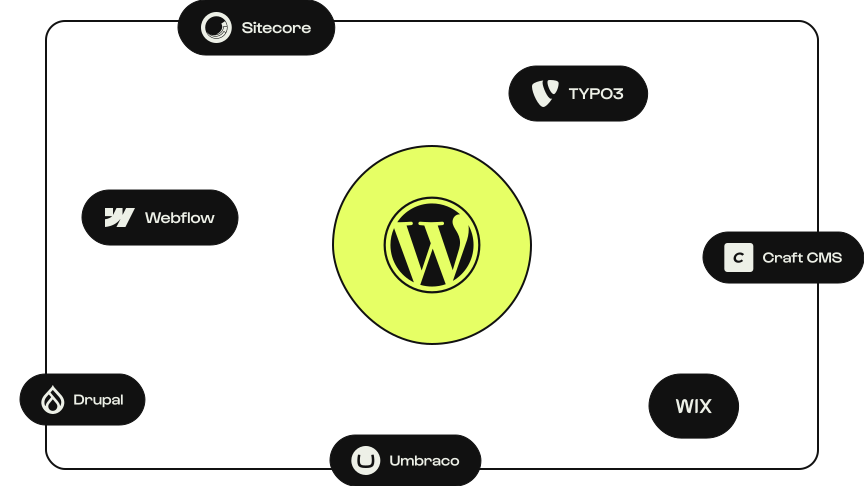
WordPress is the most used CMS worldwide. Other well-known systems and platforms include Webflow, Wix, Drupal, TYPO3, Umbraco, and Craft CMS.
These systems weren't developed for the same situations. One platform might focus heavily on visual design, while another offers extensive possibilities for structured content or user permissions.
Which CMS fits your website?
The right CMS depends on what your website needs to do and how you want to work with it. For example, ask yourself these questions:
- What do you want to be able to adjust independently?
- Are integrations, multiple languages, or multiple websites needed?
- Who handles hosting, maintenance, and support?
- How easily can you expand later or change vendors?
In our CMS selection guide, we help you list those requirements and compare systems.
Mainly want to know which system works best for daily content management? Then also read what the best CMS for marketing teams is.
Want to see what fits together?
At Studio Brabo, we build websites with WordPress. We're happy to think along with you about what your website needs to do, how you want to work with it, and whether WordPress is the right fit.