Table of contents
- What is the difference between SEO, AEO, and GEO?
- Why is WordPress suitable for SEO?
- What can you adjust yourself for SEO in WordPress?
- Do you need an SEO plugin?
- How do you make content clear for visitors and AI systems?
- What role does technical SEO play?
- Do you need an llms.txt file for AI searchability?
- How do you measure the visibility of your website?
What is the difference between SEO, AEO, and GEO?
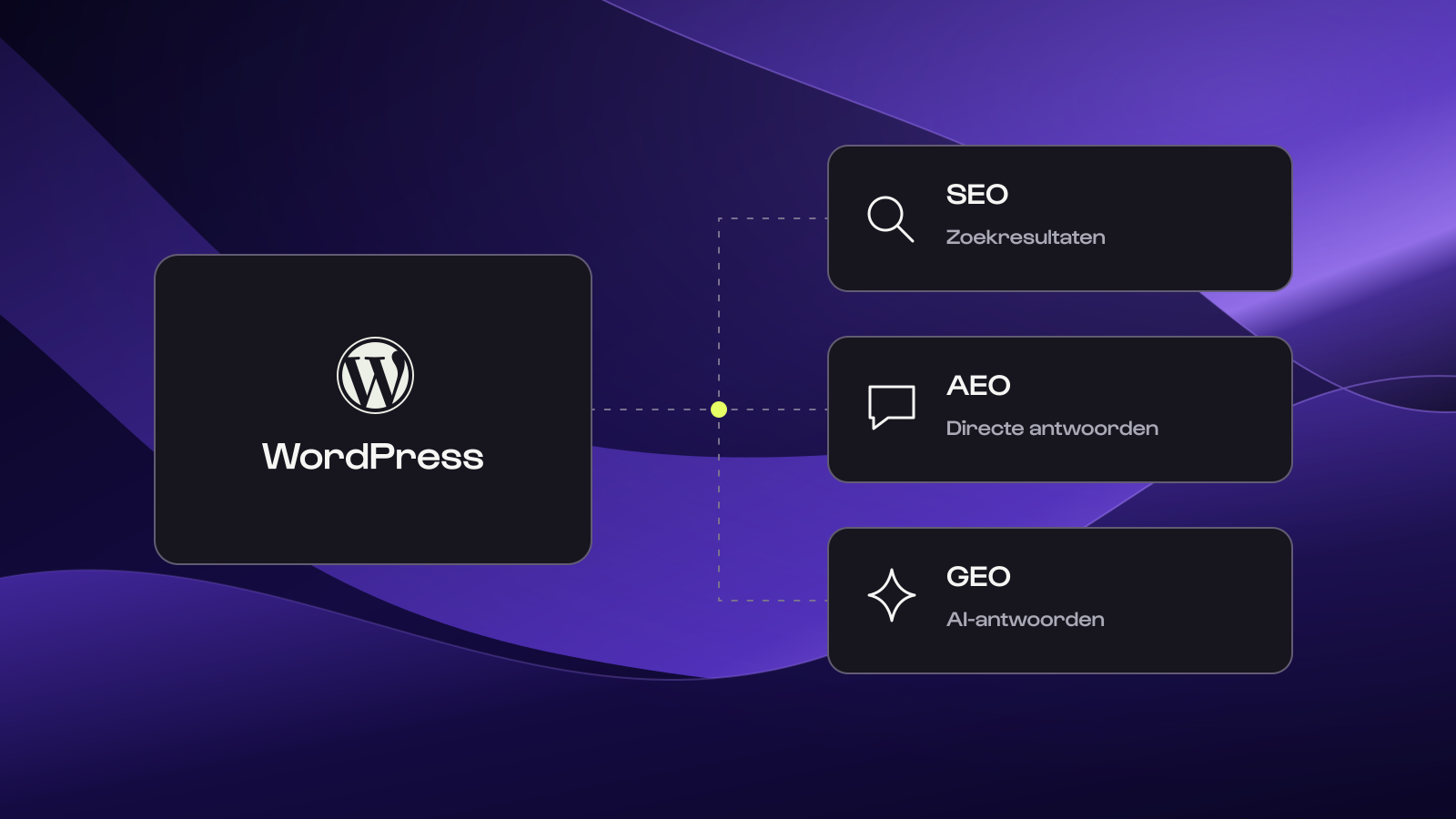
SEO, AEO, and GEO all have to do with online visibility. The difference lies mainly in the way someone finds information.
| Term | Meaning | Goal |
|---|---|---|
| SEO | Search Engine Optimization | Making your website findable in search engines like Google. |
| AEO | Answer Engine Optimization | Answering questions clearly so your content is useful for answer functions. |
| GEO | Generative Engine Optimization | Working on the visibility of your brand and content in AI-generated answers. |
The three overlap significantly. A technically sound website with clear, relevant content helps visitors and forms an important basis for search engines and AI search functions.
Every platform works differently. Google indicates that the usual SEO guidelines also apply to AI Overviews and AI Mode. No special AI markup is needed to qualify for them. Visibility in Google or a mention in an AI answer is therefore not guaranteed. Source: Google Search Central.
Why is WordPress suitable for SEO?
WordPress gives you many options to set up your website in a searchable and organized way. You can publish pages and articles, add internal links, and expand your website with functionalities that suit your organization.
With WordPress, you can:
- Publish and update content.
- Organize pages with clear headings and relevant images.
- Create internal links between services, articles, and cases.
- Manage URLs and SEO settings, depending on the setup.
- Support multiple languages and integrations with other systems.
WordPress thus offers flexibility. But the CMS doesn't automatically determine whether a website performs well. The choices in design, technology, hosting, plugins, and content are at least as important.
A WordPress website with outdated information, unclear navigation, or technical problems won't automatically be found well just because it runs on WordPress.
What can you adjust yourself for SEO in WordPress?
A good WordPress setup makes it possible to do many recurring adjustments yourself. Exactly what is possible depends on the website, the plugins used, and the permissions you've been given.
SEO titles and meta descriptions
With an SEO plugin, you can usually set an SEO title and meta description per page. The title helps make it clear what the page is about. The meta description provides space to briefly explain what the visitor can expect. Google ultimately decides for itself which title and description are shown in the search results. The entered text is therefore a suggestion, not a guarantee.
URLs, headings, and internal links
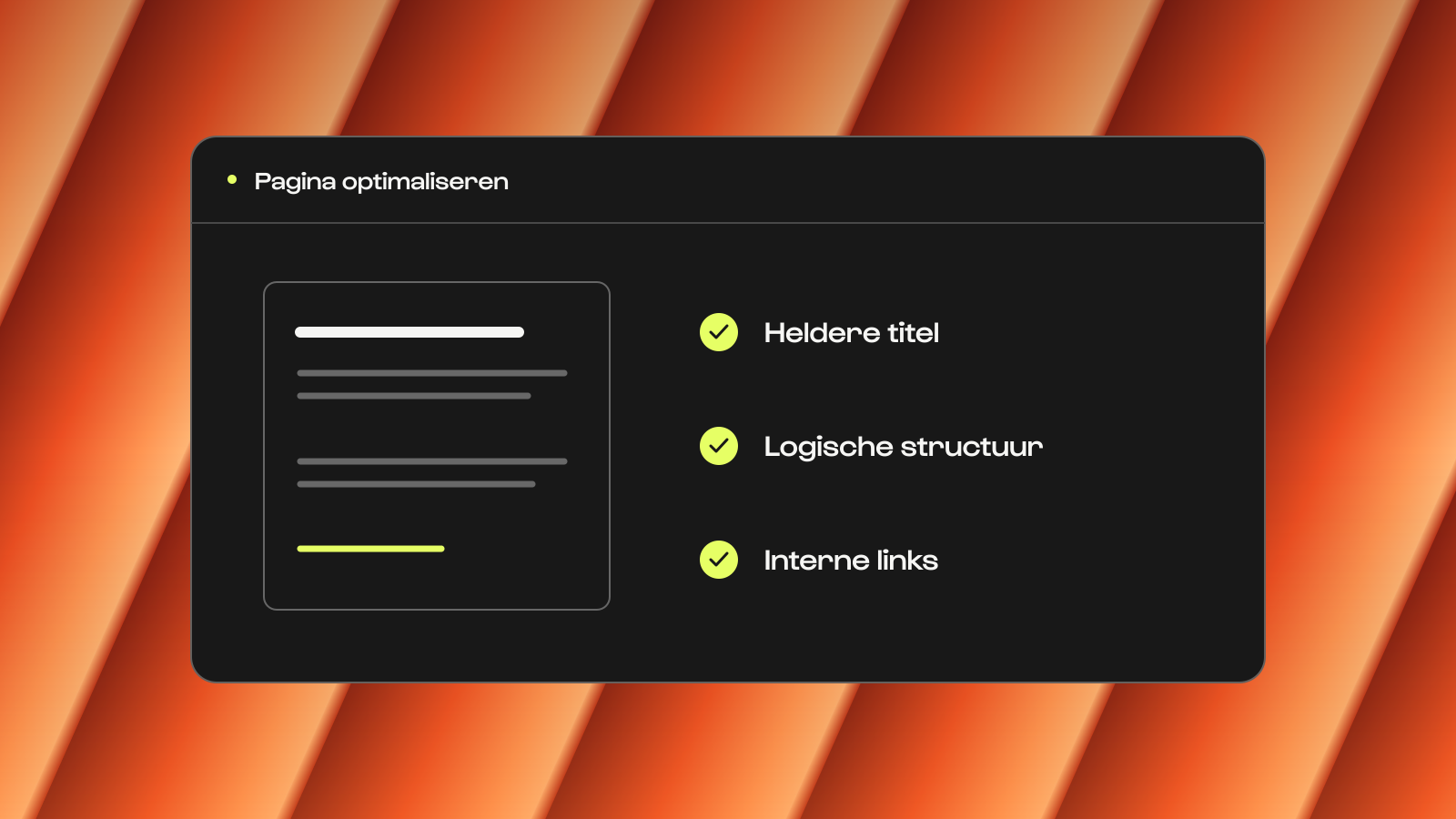
A clear page has a recognizable subject, a logical URL, and headings that make the content easy to follow. Internal links help visitors read further, for example from a services page to a relevant client case.
Are you adjusting the URL of an existing page? Then check if a redirect is needed. This sends visitors and search engines from the old address to the new one.
Images and alt texts
You can add images in WordPress and usually adjust the alt text yourself. This text describes what an image shows when the image adds information. This way, visitors using a screen reader also understand what the image shows.
A clear alt text can also help search engines understand the image in context. Describe what is relevant to the page and don't just add keywords. For purely decorative images, a descriptive alt text is usually not necessary.
For example:
- Less clear: wordpress website seo marketing
- Clearer: Example of an SEO title and meta description in WordPress
Building pages with existing components
At Studio Brabo, we set up websites so that you can use the Brabo Composer to assemble pages from components designed for your website. Think of text blocks, images, client cases, and call-to-actions. This allows you to adjust content and build new pages within the existing brand identity.
Do you need an SEO plugin?
An SEO plugin like Yoast SEO or Rank Math helps manage SEO settings in WordPress. Depending on the plugin and the setup, you can manage SEO titles, meta descriptions, XML sitemaps, and indexing settings, for example.
A plugin also often gives suggestions for your content. These can be useful as a check, but a green light doesn't automatically mean a page is good or will rank high in Google.
The plugin supports your work. You decide what your target audience needs and whether your page provides a good answer to that.
How do you make content clear for visitors and AI systems?
A clear structure helps visitors quickly understand what a page is about. It also makes it clearer for search engines and other systems how the content is structured.
Start with the question you want to answer. Give a concrete answer to it and use the rest of the page to explain, support, and make the answer applicable.
Suppose you're explaining what a corporate website costs. Then it helps to first give an indication and the most important conditions. After that, you can explain which choices influence the investment.
These points help to make content organized:
- Use a clear H1 that names the main topic of the page.
- Divide the content with H2s and H3s when that makes the page clearer.
- Answer relevant questions concretely, with examples where helpful.
- Use lists or tables if information is easier to compare that way.
- Add your own experience and proof, such as a working method, practical example, or well-founded client case.
- Keep information up to date and make it clear who is responsible for the content.
An FAQ can be useful when visitors have additional questions. Structured data can also help search engines understand certain information. None of these components guarantee a mention in an AI answer or a special display in Google.
So you don't have to artificially divide texts into short blocks or formulate every heading as a question. Choose the structure that makes the subject clearest for the reader.
What role does technical SEO play?
Good content must be accessible to search engines. That's why a strong technical foundation is important.
Think of pages that can be indexed, a clear website structure, working internal links, and a website that functions well on mobile. Redirects, canonicals, and an XML sitemap also deserve attention during setup and maintenance.
Structured data and Schema.org
With structured data according to Schema.org, you can give search engines extra context about the content of a page, for example about an organization, article, or product. An SEO plugin can help add that information.
The structured data must match the visible content of the page. Also: structured data does not guarantee a special display in Google or a mention in an AI answer. You don't have to manage all these technical components yourself. It is important, however, to agree on who checks them and what happens when something changes. Want to know more? Read how technical SEO contributes to a strong website.
Do you need an llms.txt file for AI searchability?
No, an llms.txt file is not necessary to become visible in Google or Google Search's AI features. Google indicates that Search does not use this file for assessing visibility or rankings.
An llms.txt file can be created for other applications, but it doesn't guarantee that an AI system will use your website or mention your brand. Therefore, don't see it as a replacement for accessible pages and good content. Want to know what this file does and how it differs from a sitemap or robots.txt? Read more about llms.txt and AI searchability.
How do you measure the visibility of your website?
Don't just look at a page's position. Different forms of visibility require different measurements:
- Google Search Console: see which search queries your pages get impressions and clicks for.
- Website analytics: investigate which channels generate visitors and inquiries. Traffic from AI services is not always fully recognizable.
- AI visibility: see if your brand is mentioned and if an AI answer actually refers to your website.
A brand mention, a source reference, and a website visit are different results. By looking at them separately, you get a clearer picture of what your content delivers.
Frequently asked questions about WordPress, SEO, and AI
No. Common adjustments, such as texts, headings, internal links, and alt texts, can usually be done yourself. SEO titles and meta descriptions can also often be adjusted via a plugin. What is possible depends on the setup of the website and your access rights.
Both plugins can help manage SEO settings. Which one fits better depends on the desired functions and how the website is set up. The quality of your content and the technical foundation remain more important than the plugin alone.
Publish clear, reliable, and distinctive information about your expertise. Use concrete examples, up-to-date facts, recognizable authors, and case studies that support your claims. Additionally, ensure that pages are public, indexable, and well-linked internally. External validation through customers, partners, and trade publications can strengthen your organization's recognition. A mention or source reference remains dependent on the AI platform and is never guaranteed.
WordPress is a good candidate when you want to manage content independently and are looking for room to further develop your website. With a well-thought-out setup, you can work on both your technical foundation and the content of your pages.
Whether WordPress is also the best choice for you depends on your goals, the desired functionalities, and the way you want to collaborate. You can read more about that in our article on the best CMS for marketing teams.
Build the page around a single clear question or information need. Provide the core answer early on the page and expand on it with logical headings, examples, steps, or a table. Keep facts up to date and place important information as regular, readable text on the page. An SEO plugin and structured data can provide support, but the quality and clarity of the answer remain decisive.
Curious how you can independently manage and improve content with WordPress?
Check out our approach to user-friendly content management or request a demo.